
Screenshot Guides by Device and Task
Browse screenshot guides for Windows, Mac, iPhone, iPad, Android, Google Pixel, Chromebook, Linux, laptop brands and common screenshot problems.
Choose your device or the exact screenshot task you are trying to complete.
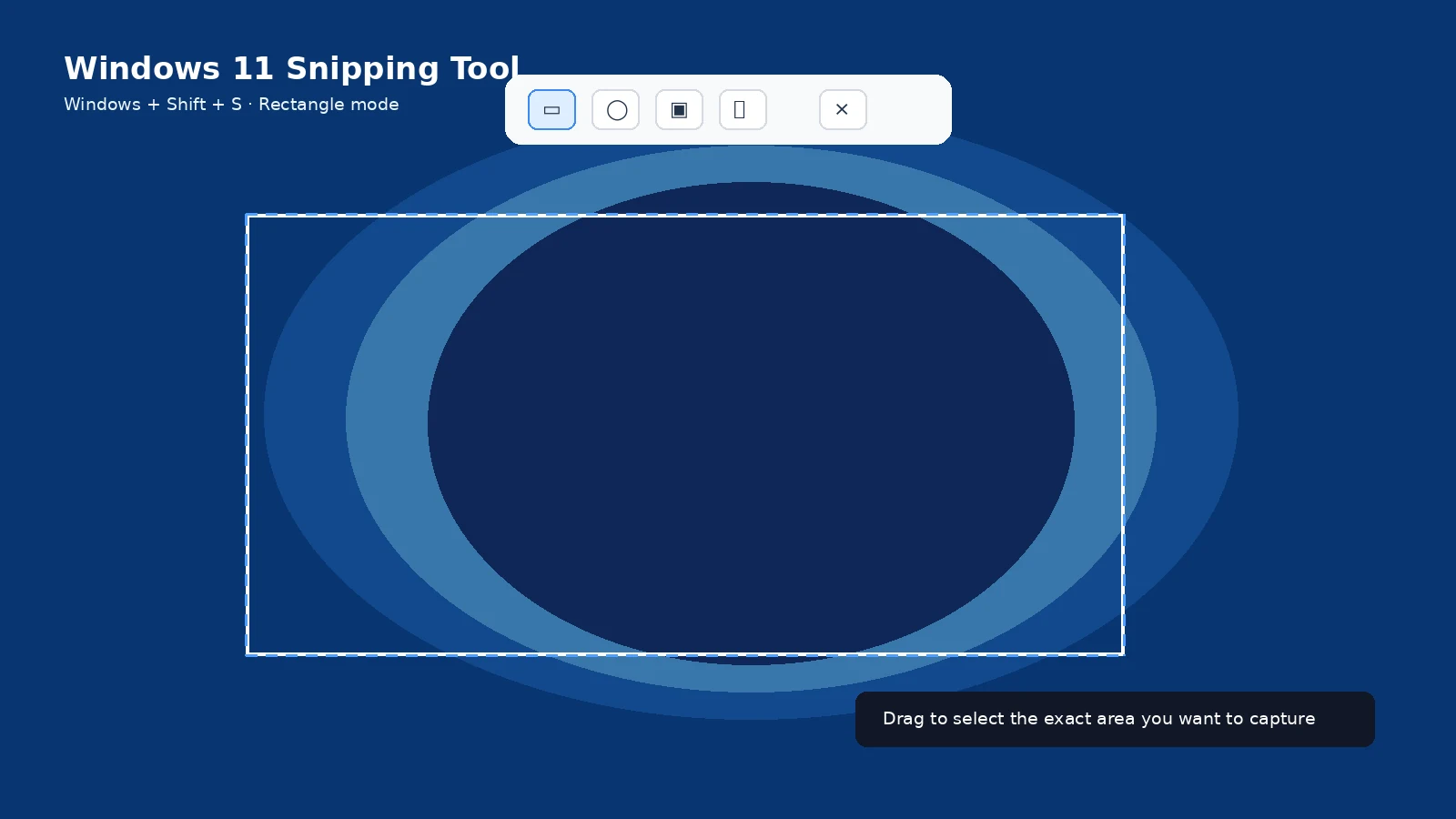
Windows and laptops
Android phones
iPhone and iPad
Mac
General screenshot help
Windows guides
Windows 11, Windows 10, Snipping Tool, Print Screen, Windows + Shift + S, active window, partial screen, multiple monitors, scrolling capture, save locations and no-Print-Screen-key solutions.
Laptop brand guides
HP, Dell, Lenovo, ASUS, Acer, Microsoft Surface, Samsung Galaxy Book and MSI.
Android guides
Android, Google Pixel, Samsung Galaxy, Xiaomi/Redmi/POCO, Motorola, OnePlus, OPPO, vivo, Huawei, scrolling screenshots and screenshot locations.
Apple guides
iPhone, iPad, Face ID, Home button, Full Page, Back Tap, save locations and Mac screenshot tools.
General guides
Screenshot definitions, screenshot vs screen recording, editing, annotation, webpage capture, shortcut reference, troubleshooting, privacy and image formats.
How these guides are maintained
The core methods are checked against official platform or manufacturer documentation where available. Device-specific instructions avoid assuming that a shortcut from one model applies to every model.
Frequently asked questions
Are all guides in English right now?
Yes. This build completes the English content first, as requested.
Will every device have identical screenshots?
No. Hardware layouts and software versions differ, so guides call out model/version differences where relevant.
Do I need third-party apps?
Most basic screenshots do not. Built-in tools are preferred whenever they can do the job.
Where should I start?
Use the guide for your operating system, then open a device-specific page if your buttons or menus differ.