
How to Take a Screenshot of a Webpage?
Capture the visible browser area, a selected section or an entire webpage using platform screenshot tools, browser full-page capture or PDF export.
For what you can currently see, use your normal device screenshot shortcut. For the entire page, prefer a browser full-page capture tool or PDF export when available.
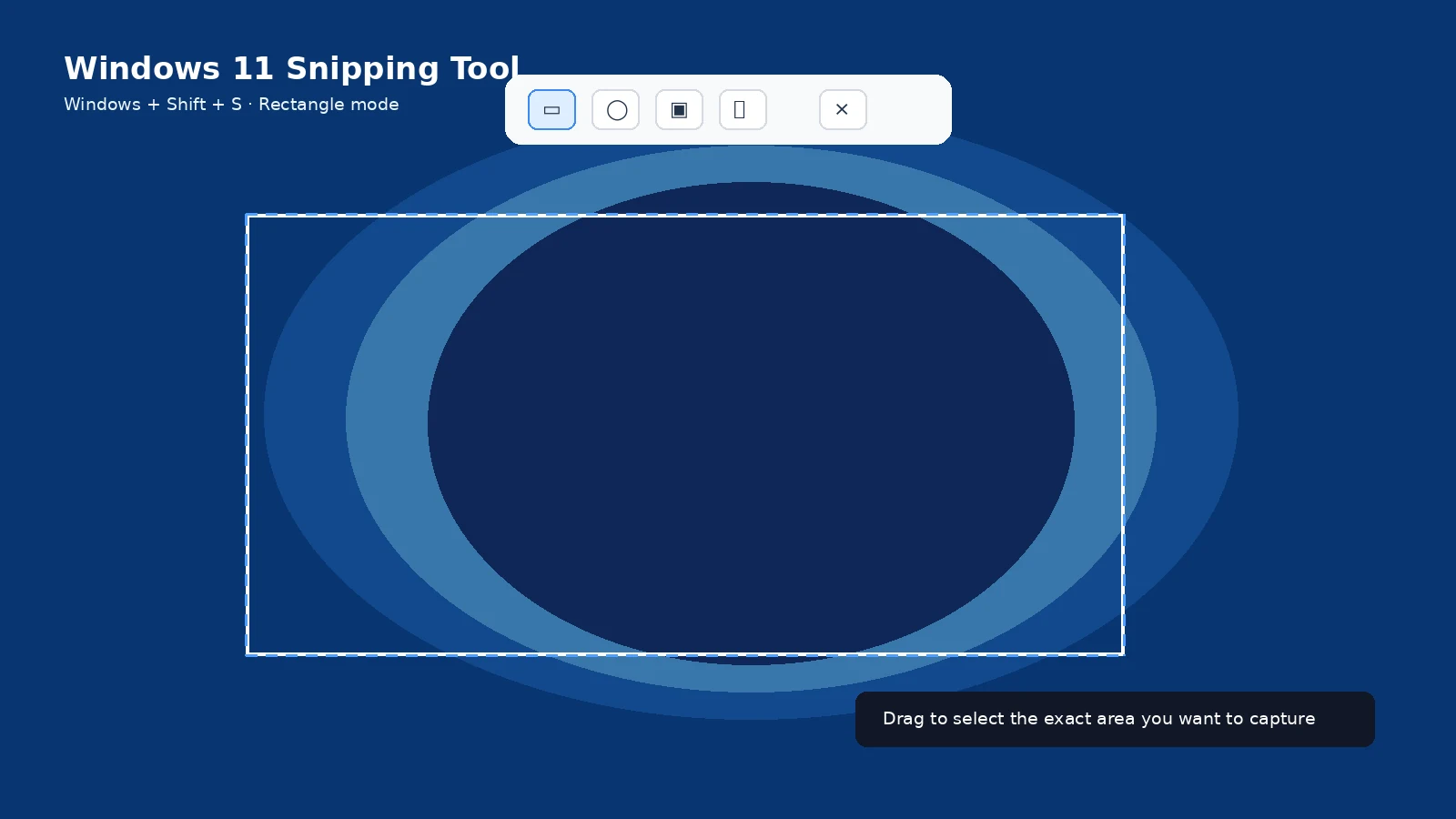
Visible area
Use Windows + Shift + S, Shift + Command + 4, Android/iPhone buttons, or the Chromebook Screen Capture tool depending on your device.
Entire webpage
Browser full-page features can capture content beyond the current viewport. The exact menu changes by browser and version.
PDF as an alternative
When the page is text-heavy, Print > Save as PDF can preserve selectable text, links and page structure better than a giant image.
Dynamic pages
Infinite feeds, maps, video players and lazy-loaded sections may not capture cleanly as one long image. Capture the relevant sections instead.
Private information
Browser screenshots can expose tabs, bookmarks, extensions, account avatars and URL parameters. Crop those elements if they are not needed.
Reproducible documentation
When reporting a website problem, include the URL, browser/version and a close-up screenshot of the issue rather than only a full-page image where the defect is tiny.
Troubleshooting
- If a full-page capture misses lazy-loaded content, scroll through the page once before capturing.
- If the page is confidential, avoid online screenshot services that upload the content to a third party.
Frequently asked questions
Can Windows take a full webpage automatically?
Not with one universal OS shortcut; use browser or document tools.
Can iPhone capture a full webpage?
Yes on supported content through Full Page.
Is PDF better for articles?
Often yes.
Can websites block screenshots?
Some protected content or apps can restrict capture.