
Accessibility
Accessibility approach for screenshot instructions, keyboard navigation, alt text, visual callouts and readable guide structure.
Screenshot instructions should remain usable without relying only on color, pointer precision or an image that cannot be read by assistive technology.
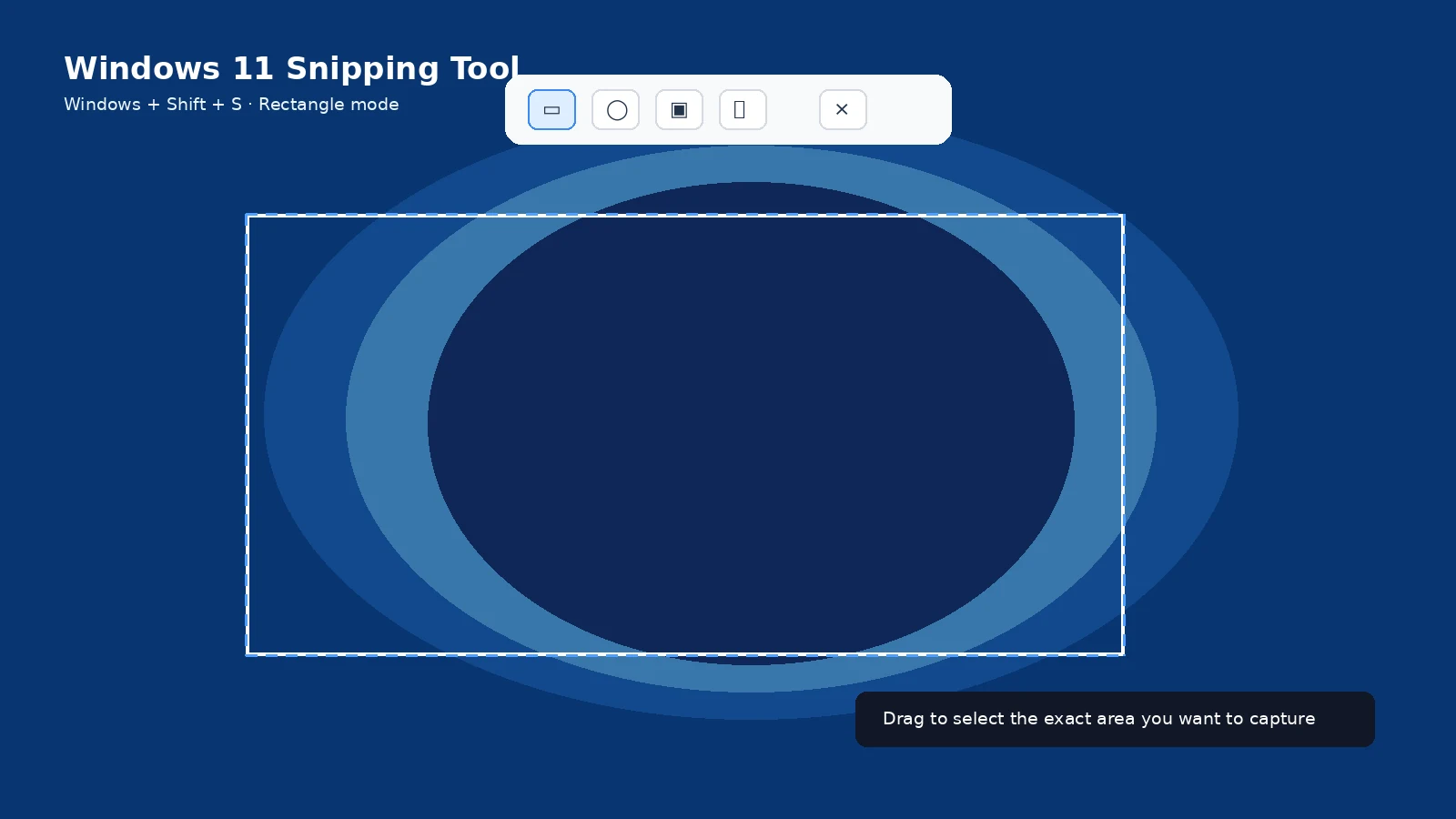
Keyboard access
Guides provide keyboard shortcuts in text and do not require a screenshot image to understand the primary action.
Image alternatives
Instructional images use descriptive alt text that explains the action or control being demonstrated rather than repeating decorative detail.
Color and contrast
Highlights should be paired with labels, shapes or text so color is not the only way information is communicated.
Mobile readability
Tables scroll horizontally when necessary, video embeds preserve aspect ratio, and long pages use a collapsible table of contents and readable spacing.
Report an issue
If a keyboard control, focus state, contrast choice or content block is difficult to use, report the page and the specific barrier so it can be reviewed.
Frequently asked questions
Are keyboard shortcuts written as text?
Yes.
Do images have alt text?
Instructional images are output with descriptive alt text.
Can I report an accessibility issue?
Yes through the Contact page.