
Where Are Screenshots Saved on Windows, Mac, iPhone, Android, ChromeOS and Linux?
A cross-platform reference for default screenshot locations, clipboard-only captures and custom save folders.
There is no single universal screenshot folder. The location depends on the operating system, shortcut and save settings.
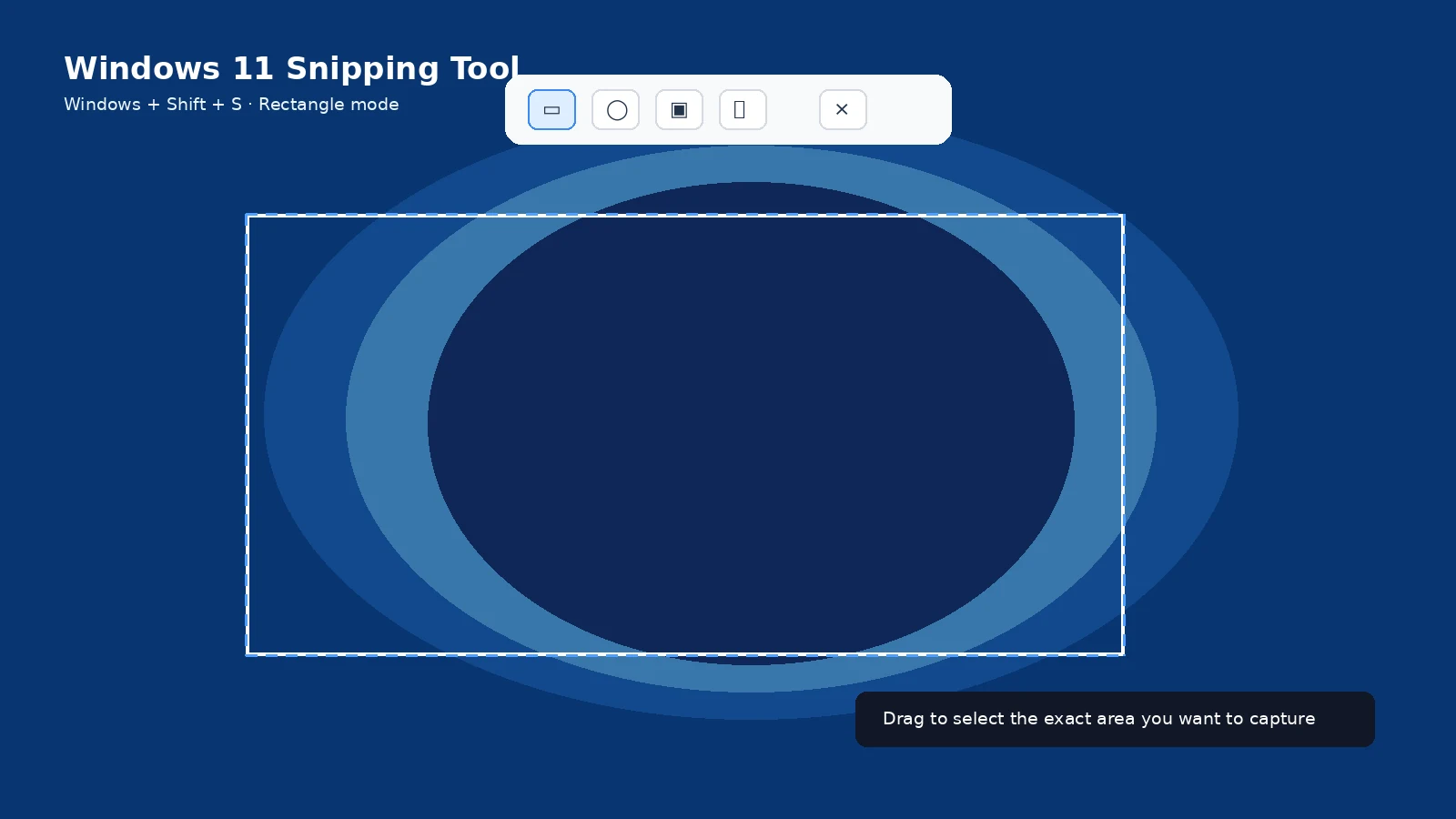
Windows
Windows + PrtScn usually saves to Pictures > Screenshots. Clipboard-only captures may not create a file until you paste/save them.
Mac
The default is Desktop, but Shift + Command + 5 > Options can change it. Clipboard captures use Control with the screenshot shortcut.
iPhone and iPad
Normal screenshots are in Photos > Screenshots. Full-page PDFs can be saved to Files.
Android
Look in Photos or Gallery under Screenshots. The underlying folder path varies by manufacturer.
ChromeOS
Screenshots and recordings go to Downloads by default. The Screen Capture settings can choose another folder.
Linux
The location depends on the desktop environment and screenshot utility. GNOME/KDE setups can differ, and KDE Spectacle allows a configurable default folder.
Troubleshooting
- Before assuming a file is missing, identify which shortcut was used.
- Search by capture date and the word “Screenshot” when the configured folder is unknown.
Frequently asked questions
Why is there no file after PrtScn?
Because the shortcut may have copied to the clipboard only.
Can cloud sync move the apparent location?
Yes, especially OneDrive-backed Pictures or iCloud Photos.
Can I change the default folder?
Yes on several platforms, though the setting is platform-specific.
Where do scrolling screenshots go?
Usually with normal screenshots, except workflows that explicitly save a PDF/file elsewhere.
Video guide
Sources and verification
Key technical details in this guide were checked against the following current documentation where applicable.