
Where Are Screenshots Saved on Windows?
Find Windows screenshots from Windows + PrtScn, Snipping Tool, OneDrive-backed Pictures, Game Bar, and clipboard-only captures.
Win + PrtScn normally saves to Pictures > Screenshots. If Pictures is backed up by OneDrive, the folder can be inside your OneDrive Pictures location.
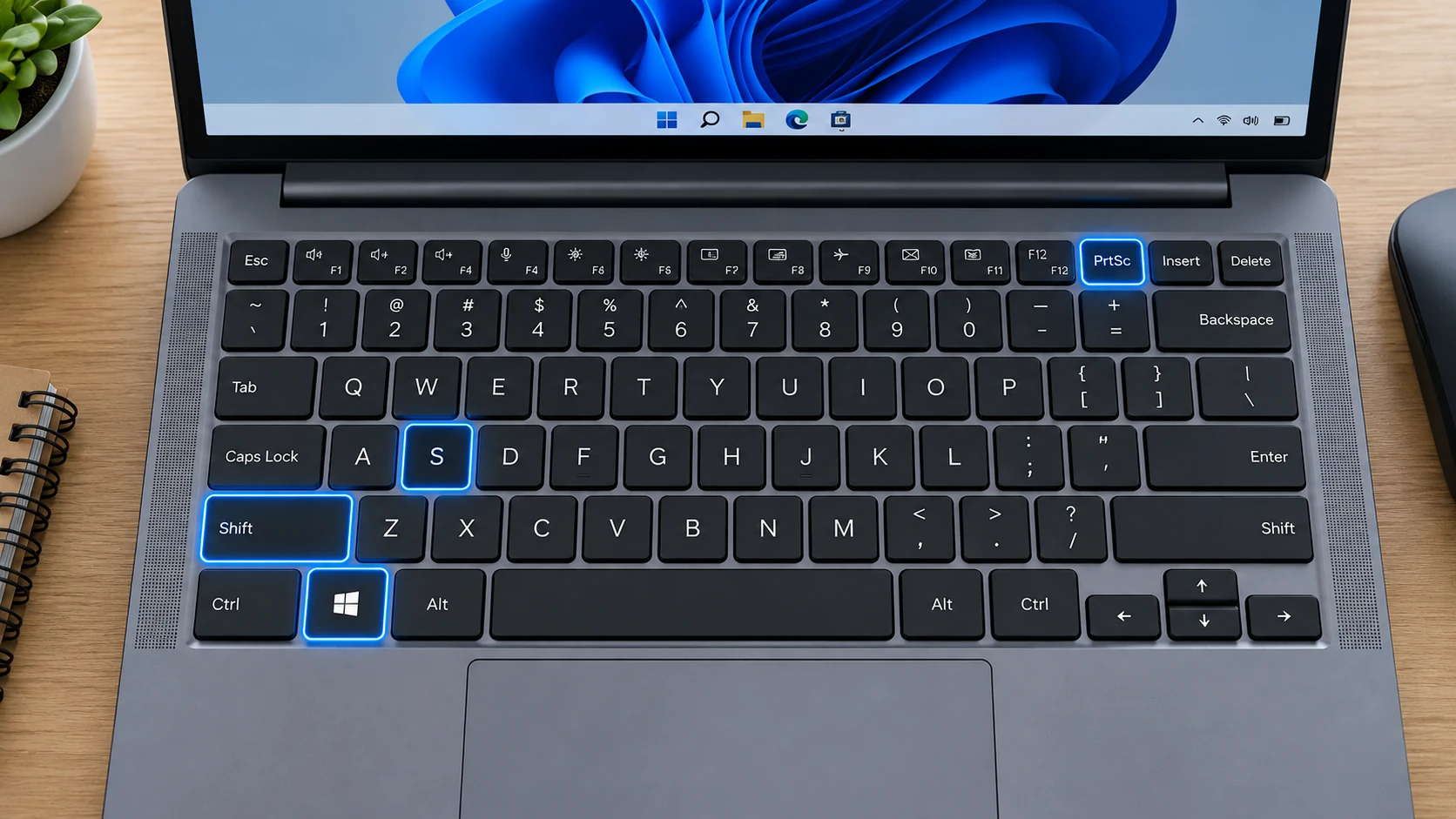
Windows + PrtScn
Open File Explorer, select Pictures, then Screenshots. The exact absolute path depends on your Windows account and whether the Pictures known folder has been redirected.
Snipping Tool
Microsoft’s current Windows 11 documentation states that Snipping Tool snips are automatically saved to the Screenshots folder by default. You can change the automatic-save behavior or default Screenshots folder in Snipping Tool settings, and you can still use Ctrl + S to save an additional copy.
Clipboard-only methods
PrtScn and Alt + PrtScn traditionally place an image on the clipboard. If you never paste or save it, there may be no standalone image file to find.
OneDrive
Microsoft no longer exposes the old separate “Save screenshots to OneDrive” setting. If your Pictures folder is backed up by OneDrive, Screenshots is protected as part of that Pictures location.
Game Bar screenshots
Game Bar captures use their own Captures location rather than the standard Pictures > Screenshots folder. Use the Game Bar gallery or Windows file search if you used a gaming shortcut.
Search when you are unsure
Search File Explorer for “Screenshot” and sort by date. Also inspect Downloads if you saved a browser screenshot manually.
Troubleshooting
- If the folder is empty, confirm which shortcut you used.
- If Pictures points to OneDrive, look there rather than assuming C:\Users\Name\Pictures.
- If you copied rather than saved, paste the clipboard image into Paint and save it.
Frequently asked questions
Why is my screenshot not in Pictures?
You may have used a clipboard-only shortcut or a custom Snipping Tool save location.
Can OneDrive change the path?
Yes, if Pictures is backed up or redirected.
What file type is Windows + PrtScn?
Normally PNG.
How do I find the newest screenshot?
Open the relevant folder and sort by Date modified descending.
Video guide
Sources and verification
Key technical details in this guide were checked against the following current documentation where applicable.