
About How to Take a Screenshot
About this screenshot help site, its purpose, research approach and coverage across operating systems and devices.
How to Take a Screenshot is an independent technical help resource focused on clear, current screenshot instructions for major operating systems and device families.
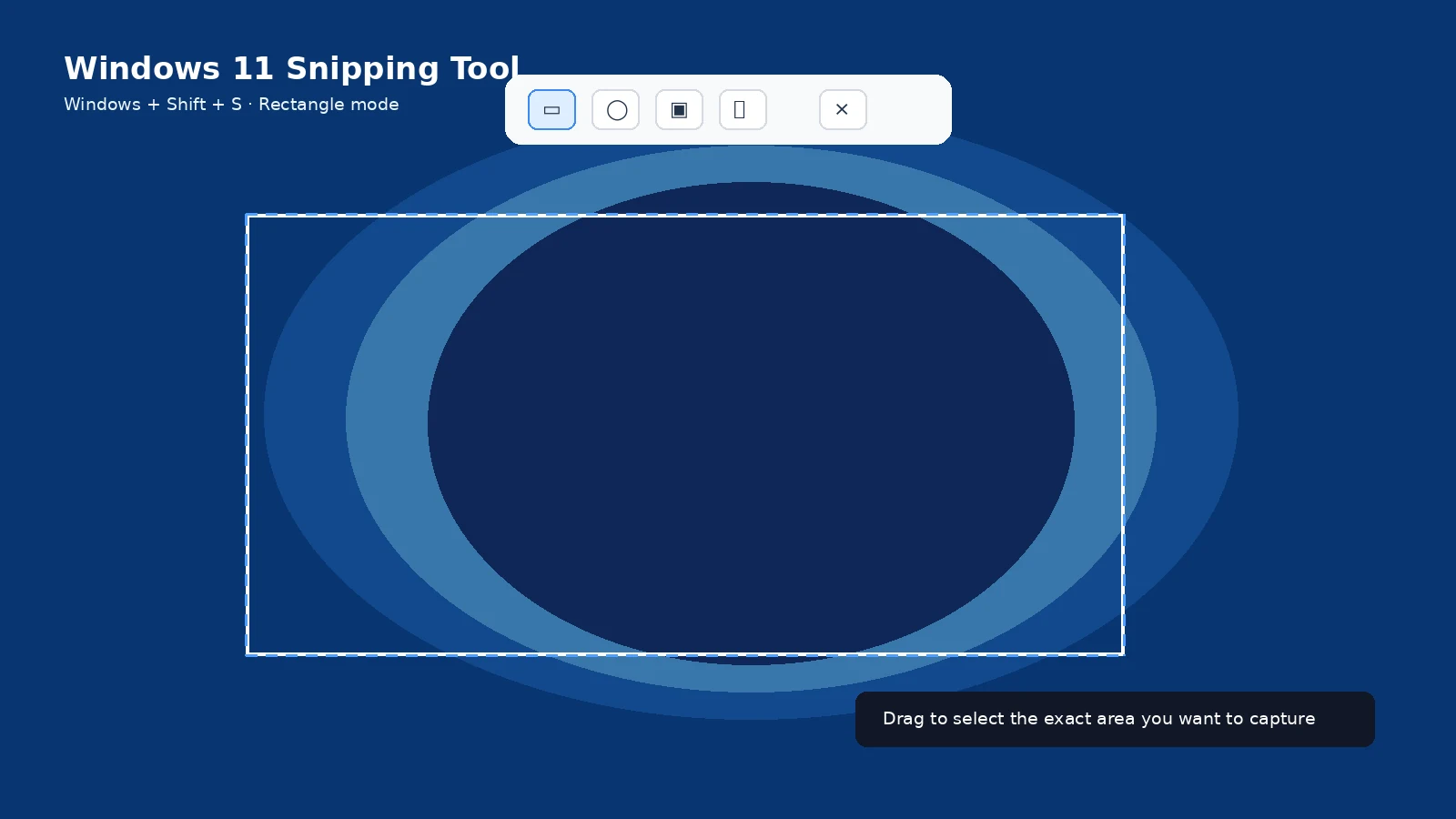
What this site covers
The site explains full-screen, partial, window, scrolling and full-page screenshots; where captures are saved; how to edit or share them; and how to fix common screenshot problems.
Research approach
Platform behavior is checked against official operating-system vendors and manufacturer documentation where available. Model-specific keyboard or button differences are not treated as universal.
Why the guides are detailed
A shortcut alone is often not enough. Users also need to know where the file went, whether the image is only on the clipboard, how scrolling capture works, and what to do when the shortcut fails.
Visual instructions
Tutorial images are used only when they clarify button locations, keyboard shortcuts, capture modes or save destinations. Decorative images are kept secondary to the instructions.
English-first release
This build completes the English information architecture and content first. Translations can be produced from the finalized English source afterward so language versions stay structurally consistent.
Frequently asked questions
Is this an official Microsoft, Apple or Google site?
No. It is an independent help resource.
Are brand names owned by this site?
No. Product and company names belong to their respective owners.
How are errors handled?
Use the corrections methodology and update instructions against current reliable documentation.