
Screenshot Keyboard Shortcuts for Windows, Mac, ChromeOS and Linux
A practical cross-platform shortcut reference with full-screen, partial-area, active-window, clipboard and save-location notes.
The most useful shortcuts are Windows + Shift + S on Windows, Shift + Command + 4 on Mac, Ctrl + Show windows on ChromeOS, and the desktop’s Print Screen shortcut on Linux.
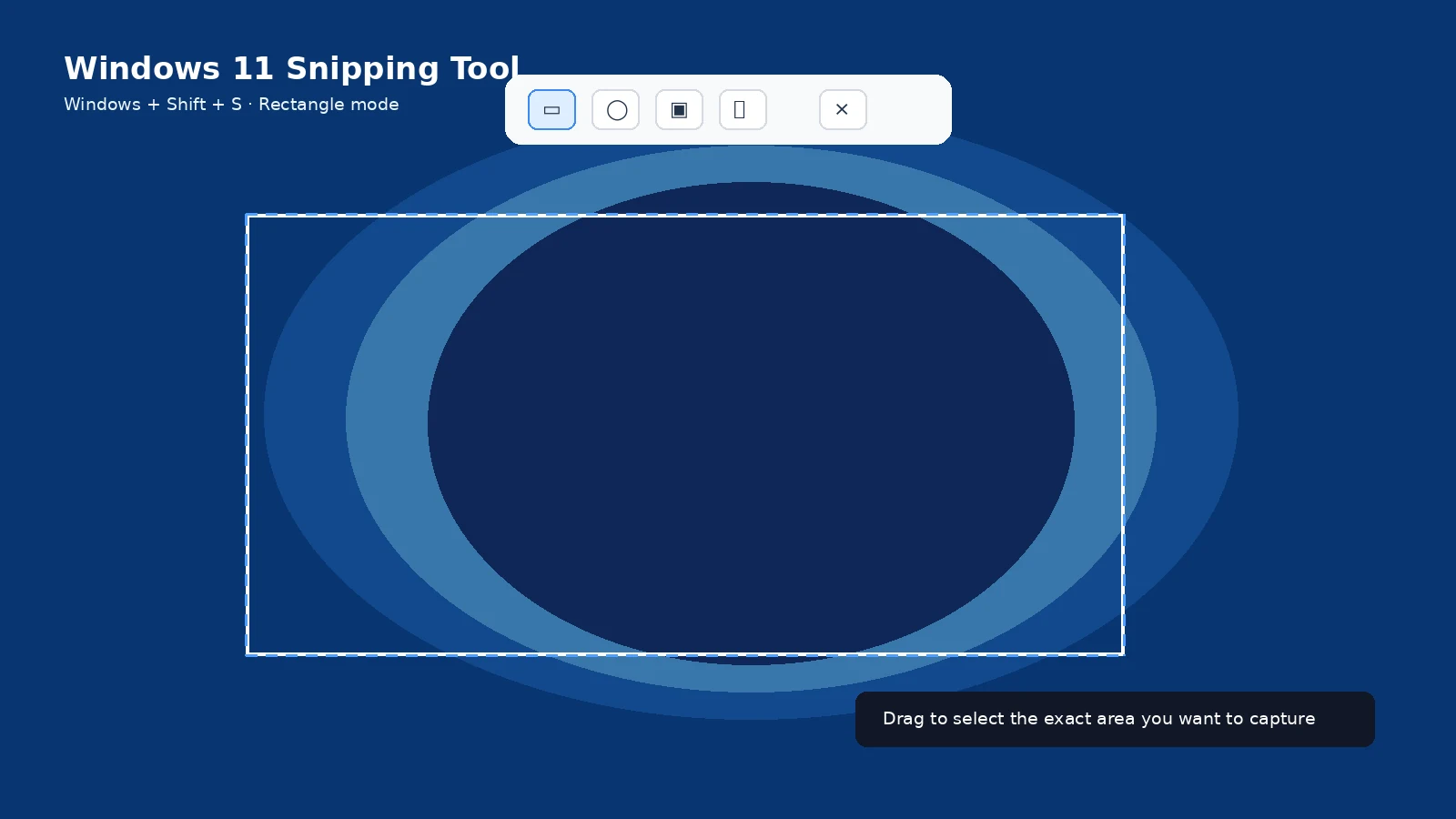
Windows
Windows + Shift + S opens the capture overlay. Windows + PrtScn saves the full desktop. Alt + PrtScn copies the active window.
Mac
Shift + Command + 3 captures the full screen. Shift + Command + 4 captures a selection. Add Space after Shift + Command + 4 for a window. Shift + Command + 5 opens the Screenshot app.
ChromeOS
Ctrl + Show windows captures the screen. Shift + Ctrl + Show windows opens Screen Capture for partial/window modes. External keyboards without Show windows can use Ctrl + Shift + F5 for the Screen Capture tool.
Linux
Shortcuts depend on the desktop. GNOME and KDE both use Print Screen-related workflows, but exact assignments differ. KDE Spectacle documents Meta + Print Screen for active window and Meta + Shift + Print Screen for a rectangular region.
Clipboard-only versus saved
Do not assume every shortcut creates a file. Windows clipboard shortcuts and Mac shortcuts with Control behave differently from automatic save methods.
Laptop Fn keys
Compact keyboards can move Print Screen behind Fn. Model manuals are more reliable than a generic shortcut list for hardware-specific key combinations.
Troubleshooting
- If a shortcut conflicts with another app, check the operating system keyboard-shortcut settings.
Frequently asked questions
What is the best universal Windows shortcut?
Windows + Shift + S.
What is the best Mac shortcut for an area?
Shift + Command + 4.
Where do Chromebook screenshots go?
Downloads by default, unless you change the capture folder.
Are Linux shortcuts universal?
No. Desktop environment matters.
Video guide
Sources and verification
Key technical details in this guide were checked against the following current documentation where applicable.