
How to Record Your Screen on Windows, Mac, iPhone, Android and Chromebook?
A cross-platform screen-recording guide explaining built-in tools, audio choices, save locations, privacy, and when recording is better than a screenshot.
Use screen recording when the problem or instruction depends on movement, timing or a sequence of actions; use a screenshot when one still image is enough.
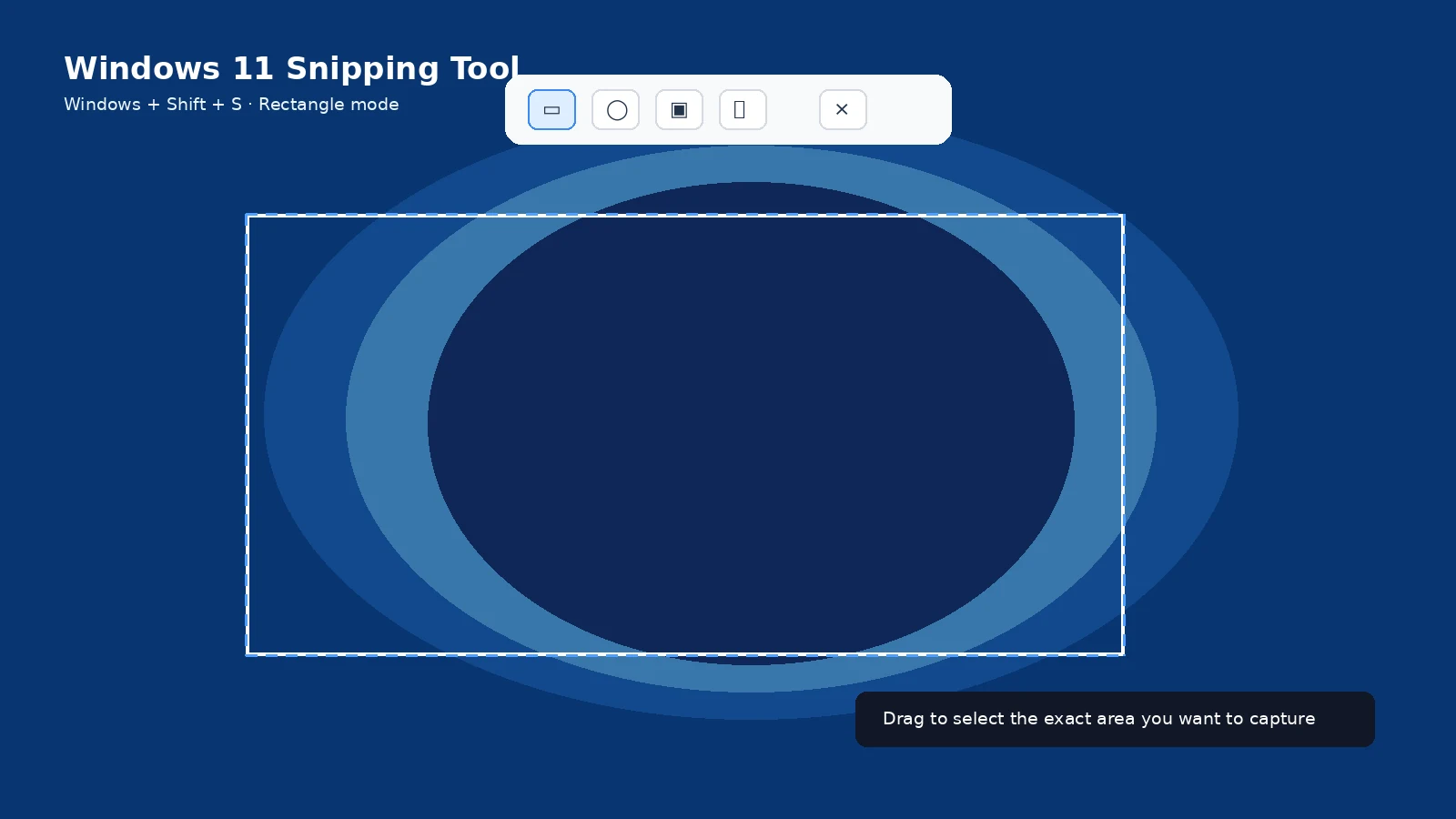
Windows
Current Windows 11 Snipping Tool can record a rectangular area, and Windows + Shift + R can open the recording overlay on supported versions. Game Bar and Clipchamp cover other recording workflows.
Mac
Shift + Command + 5 opens the Screenshot app, which includes full-screen and selected-area recording controls.
iPhone and iPad
Use Screen Recording from Control Center. Microphone audio can be enabled when appropriate, and some protected apps can block recording.
Android
Android includes a screen recorder on many devices. Availability, internal-audio options and quick-settings labels vary by manufacturer.
Chromebook
ChromeOS Screen Capture can switch from screenshot to video recording, with full-screen, partial and window options on current versions.
Privacy and file size
Record only the shortest useful sequence. Recordings can capture notifications, voices and more private context than a screenshot, and the files are much larger.
Troubleshooting
- If internal audio is missing, check the platform recording-audio setting and app restrictions.
- If a protected service records a black screen, do not attempt to bypass the restriction.
- If the video is too large, trim it before sharing.
Frequently asked questions
Is screen recording the same as a screenshot?
No. A screenshot is a still image; a recording is video over time.
Can screen recordings include audio?
Often yes, depending on platform and permissions.
Where do recordings save?
The location depends on the platform and recording tool.
Can apps block recording?
Yes.
Video guide
Sources and verification
Key technical details in this guide were checked against the following current documentation where applicable.