
What Is a Screenshot?
Learn what a screenshot is, what it captures, common uses, limitations, privacy concerns, and how screenshots differ from photos and screen recordings.
A screenshot is a still image of what is displayed on a screen at a particular moment.
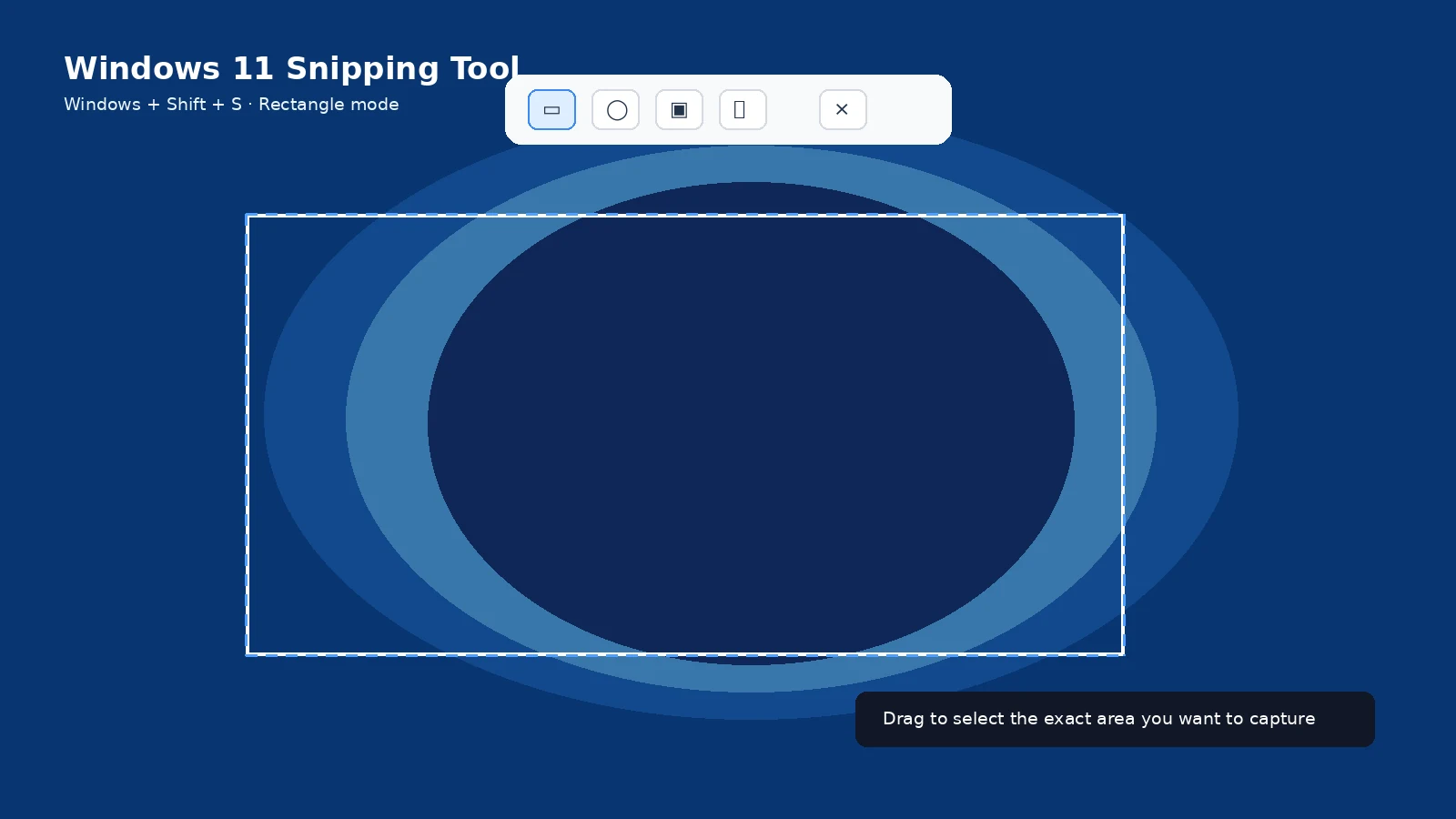
What a screenshot contains
A screenshot records visible pixels, not the underlying webpage, text file or application data. Text may look readable but is still part of an image unless OCR is applied later.
Common uses
Screenshots are useful for receipts, error messages, instructions, game achievements, conversations, evidence, design review and saving temporary visual information.
What screenshots do not guarantee
A screenshot does not automatically prove when, where or by whom something was created. Images can be cropped or edited, and some apps can block capture.
Screenshot versus photo
A photo captures the physical world through a camera. A screenshot is generated by the device from the display buffer or operating-system capture system.
Screenshot versus screen recording
A screenshot captures one moment. A screen recording captures a sequence over time and may include audio.
Privacy and safety
Screenshots can expose more than intended: browser tabs, notification previews, names, addresses, QR codes, account balances and location details. Review before sharing.
Troubleshooting
- If text is too small, recapture at a larger source zoom rather than enlarging a tiny image.
Frequently asked questions
Are screenshots always PNG?
No. PNG is common, but platforms and apps can use other formats.
Can screenshots be edited?
Yes, which is why they should not automatically be treated as tamper-proof evidence.
Do screenshots capture sound?
No. Use screen recording for motion/audio.
Can apps prevent screenshots?
Yes, especially secure or protected content.
Video guide
Sources and verification
Key technical details in this guide were checked against the following current documentation where applicable.