
How to Take a Screenshot on a OnePlus Phone?
OnePlus screenshot methods using Power + Volume Down, three-finger gestures, partial screenshots, scrolling capture and edit/share tools.
Use Power + Volume Down for the standard capture. OnePlus software also supports three-finger screenshot gestures on supported versions, including partial or scrolling options depending on the model and OxygenOS release.
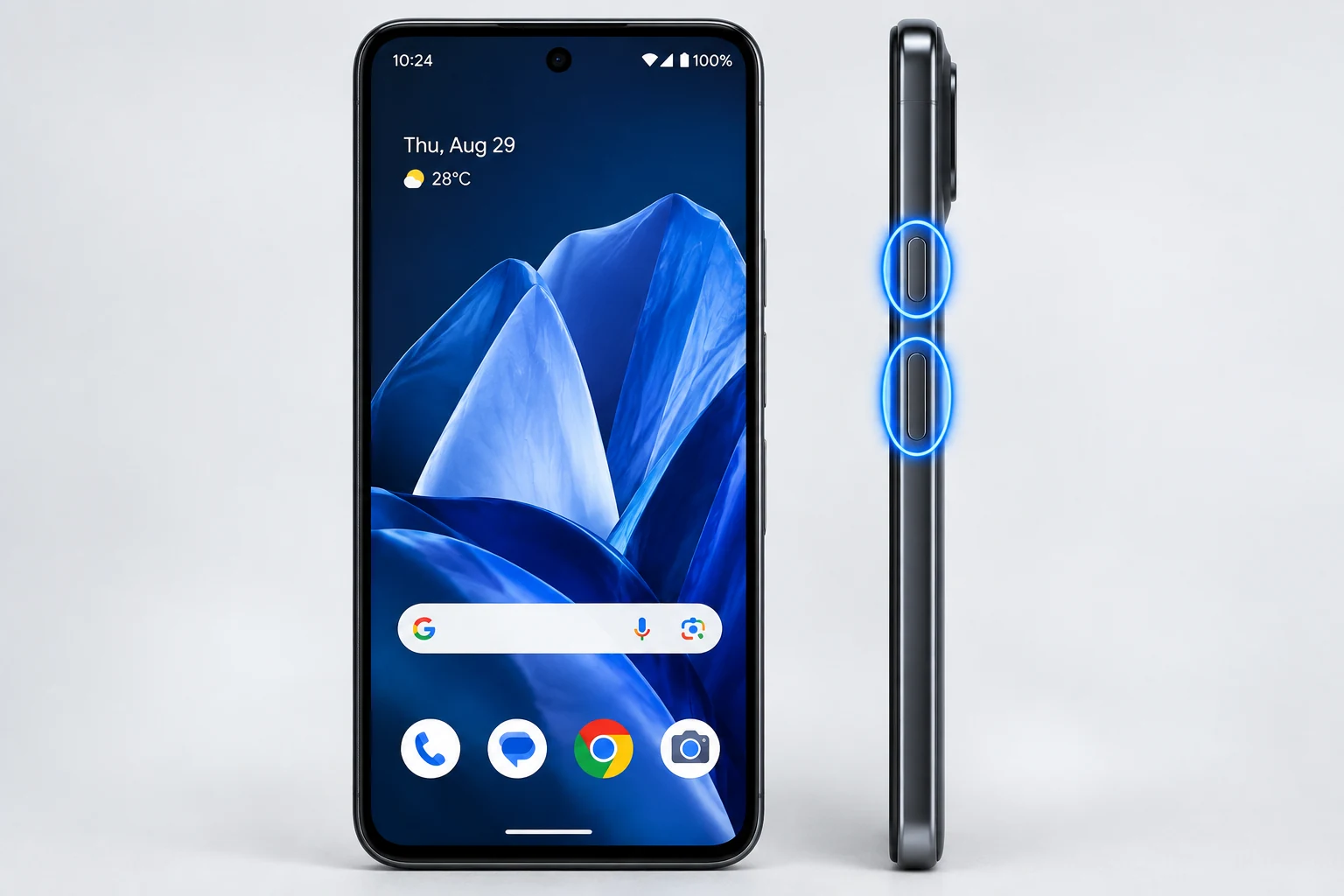
Standard buttons
Press Power and Volume Down together. This is the most reliable method across OnePlus models.
Three-finger gestures
OnePlus manuals document three-finger screenshot gestures on supported versions. Gesture behavior can include swipe or touch-and-hold actions depending on software.
Partial and scrolling capture
On supported versions, three-finger touch-and-hold can start partial capture and the post-capture toolbar can extend a screenshot to more content. Labels and settings can change across OxygenOS versions.
Where screenshots are saved
Look in Photos/Gallery under Screenshots. If a third-party gallery is set as default, use file search for “Screenshot” when the album is not obvious.
Editing
Crop before sharing, especially when the screenshot includes notification banners, usernames, account data or other private content.
Version differences
OnePlus changes gesture names and menu paths over time. If a setting is not where an older guide shows it, use Settings search for “screenshot.”
Troubleshooting
- If the three-finger gesture does not work, search Settings for screenshot and verify the gesture is enabled.
- If the power menu appears, release Power + Volume Down sooner.
Frequently asked questions
Is three-finger capture universal on OnePlus?
It is supported on many versions, but the exact gesture and menu path can change.
Where are captures saved?
Usually in the Screenshots collection in Photos/Gallery.
Can OnePlus take partial screenshots?
Supported OxygenOS versions document partial screenshot gestures.
Can apps block capture?
Yes, especially secure content.
Video guide
Sources and verification
Key technical details in this guide were checked against the following current documentation where applicable.