
How to Take a Scrolling Screenshot on Android?
Capture a long webpage, conversation or document on Android with Capture more, Scroll capture, Scrollshot or manufacturer-specific long-screenshot controls.
On Android 12 and later, many devices show Capture more after a normal screenshot when the current screen supports scrolling. Manufacturers may rename this feature Scroll capture, Scrollshot, Long screenshot or Scroll.
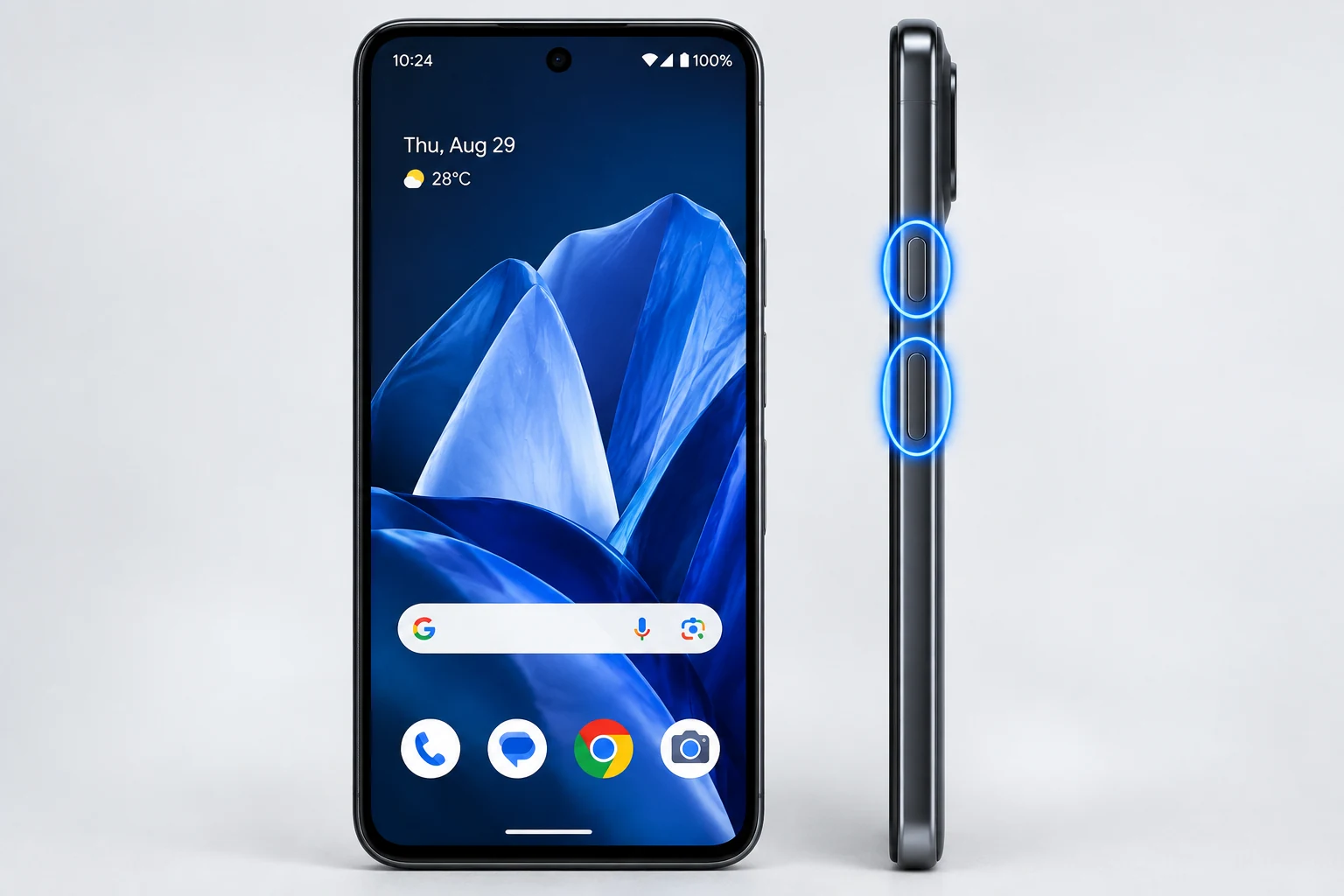
Google Android / Pixel behavior
Google documents Capture more on Android 12+ for most screens that allow scrolling. The option appears only after the normal screenshot and only when the current app exposes compatible scrollable content.
Samsung
Galaxy devices use Scroll capture in the post-capture toolbar. Tap repeatedly or continue until you have the needed content.
Xiaomi / Redmi / POCO
Supported Xiaomi devices show Scroll after capture and can combine it with button or three-finger screenshot methods.
Huawei
Huawei calls the feature Scrollshot and also supports knuckle-based long capture on compatible devices.
Motorola
Current Motorola help documents a scrolling control after a normal capture on supported screens.
When long capture is unavailable
Banking apps, protected media, maps, some browsers and custom app interfaces may not expose scrolling capture. Capture the important sections separately rather than trying to bypass a restriction.
Troubleshooting
- If Capture more is missing, test another scrollable screen such as Settings to distinguish an app limitation from a device problem.
- If the result is too long, crop before saving or sharing.
Frequently asked questions
Why is Capture more missing?
The current screen may not support Android’s scrolling-capture API or the app may intentionally block it.
Does Android 11 have the same feature?
Google documents the built-in Capture more workflow for Android 12 and later.
Can I stop before the end?
Yes on many devices; tap the stop control or adjust the final crop.
Where is the long screenshot saved?
Usually in the same Screenshots collection as normal captures.
Video guide
Sources and verification
Key technical details in this guide were checked against the following current documentation where applicable.