
Screenshot Not Working? Fix Common Problems on Windows, Mac, iPhone, Android, ChromeOS and Linux
Diagnose screenshot shortcuts that do nothing, missing files, wrong screens, blocked apps, button timing, Fn-key problems and capture settings.
Start by identifying whether the problem is capture, saving or finding the file. Those are different failures.
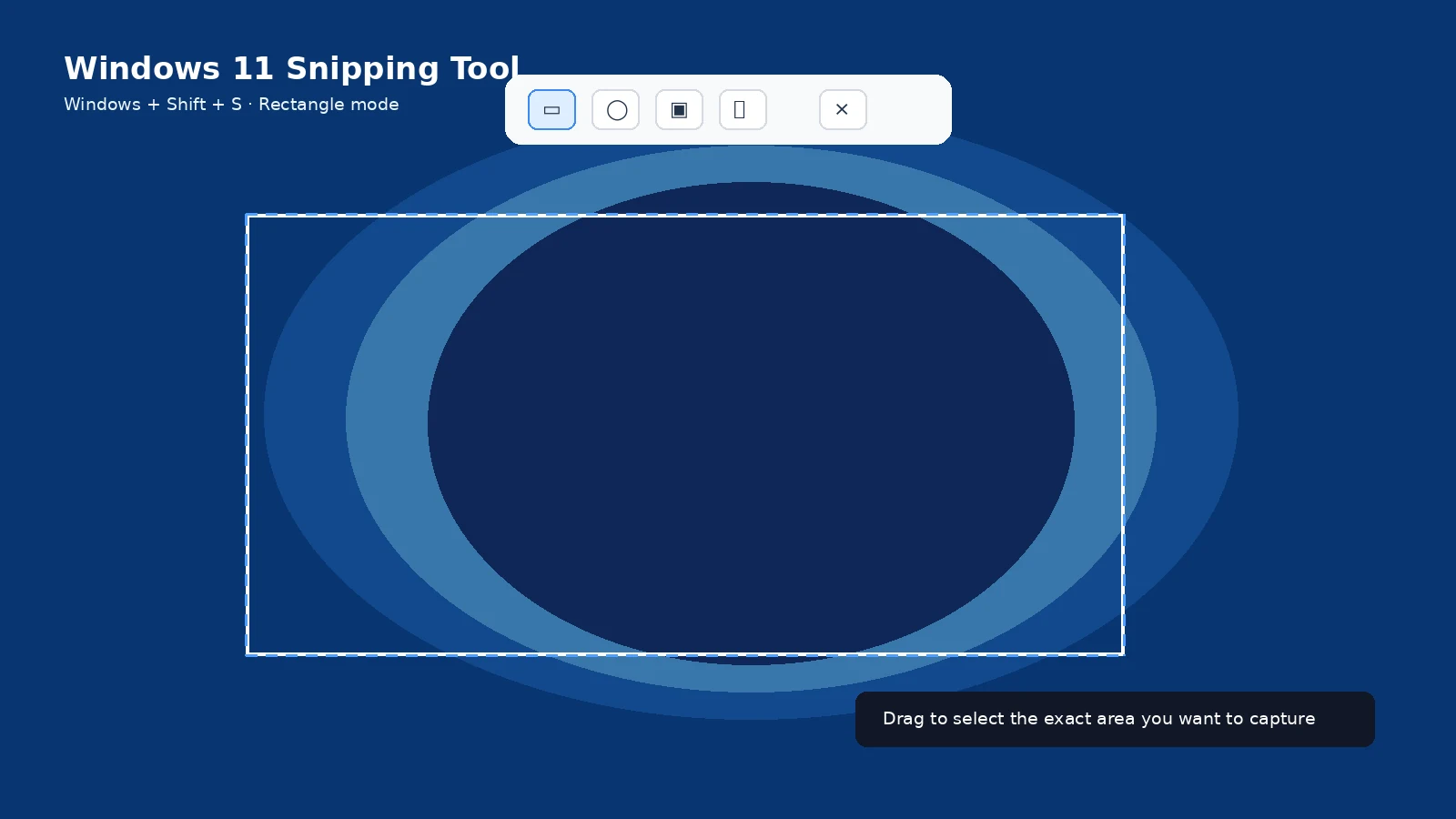
Nothing happens
Verify the shortcut for the actual device and software version. On laptops, check Fn/Fn Lock. On phones, press the buttons together and release promptly.
The image exists but you cannot find it
Check the platform’s default location: Windows Pictures > Screenshots, Mac Desktop unless changed, ChromeOS Downloads unless changed, and Screenshots collections in Photos/Gallery on phones.
The wrong screen is captured
Use a partial-area or window-specific capture instead of a full desktop screenshot, especially on multiple monitors.
The app shows black or blocks capture
Some banking, protected-video, enterprise and privacy-sensitive apps intentionally prevent screenshots. Use the app’s supported share/export flow.
Scrolling capture is missing
Long capture only appears on compatible scrollable content. Test another page before changing device settings.
Shortcuts were customized
Windows, macOS, GNOME, KDE and manufacturer software can remap screenshot keys. Inspect keyboard-shortcut settings when a formerly working key stops behaving normally.
Troubleshooting
- Restart the device only after checking the shortcut and save location.
- Avoid installing random capture utilities as a first troubleshooting step.
Frequently asked questions
Why does Print Screen open Snipping Tool?
Windows can configure PrtScn to open screen snipping.
Why does my phone open the power menu?
You may be holding the buttons too long or not pressing them together.
Why is Capture more missing?
The current app/screen may not support scrolling capture.
Why is my Mac file not on Desktop?
The Screenshot app save destination may have been changed.
Video guide
Sources and verification
Key technical details in this guide were checked against the following current documentation where applicable.